Two email formats
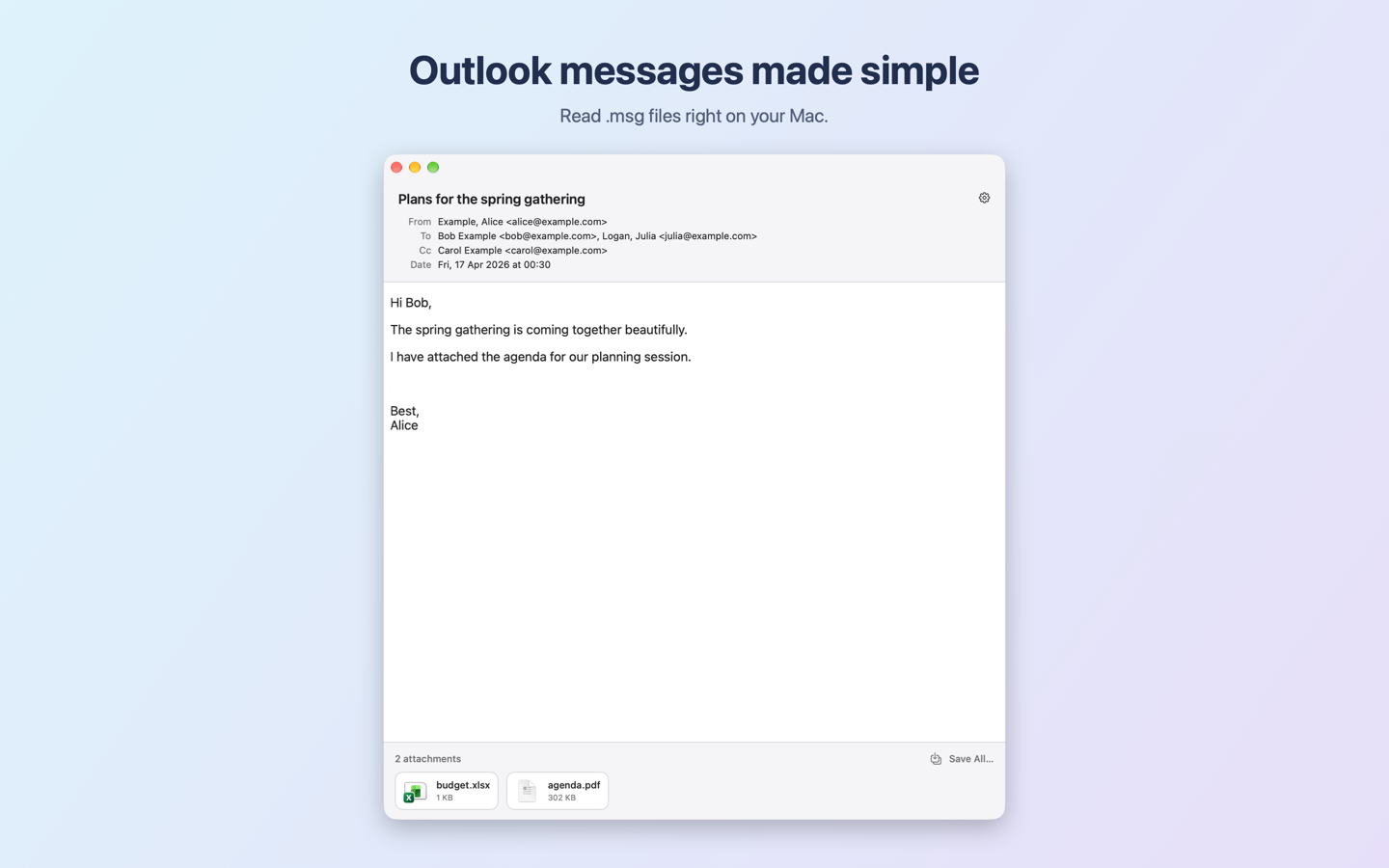
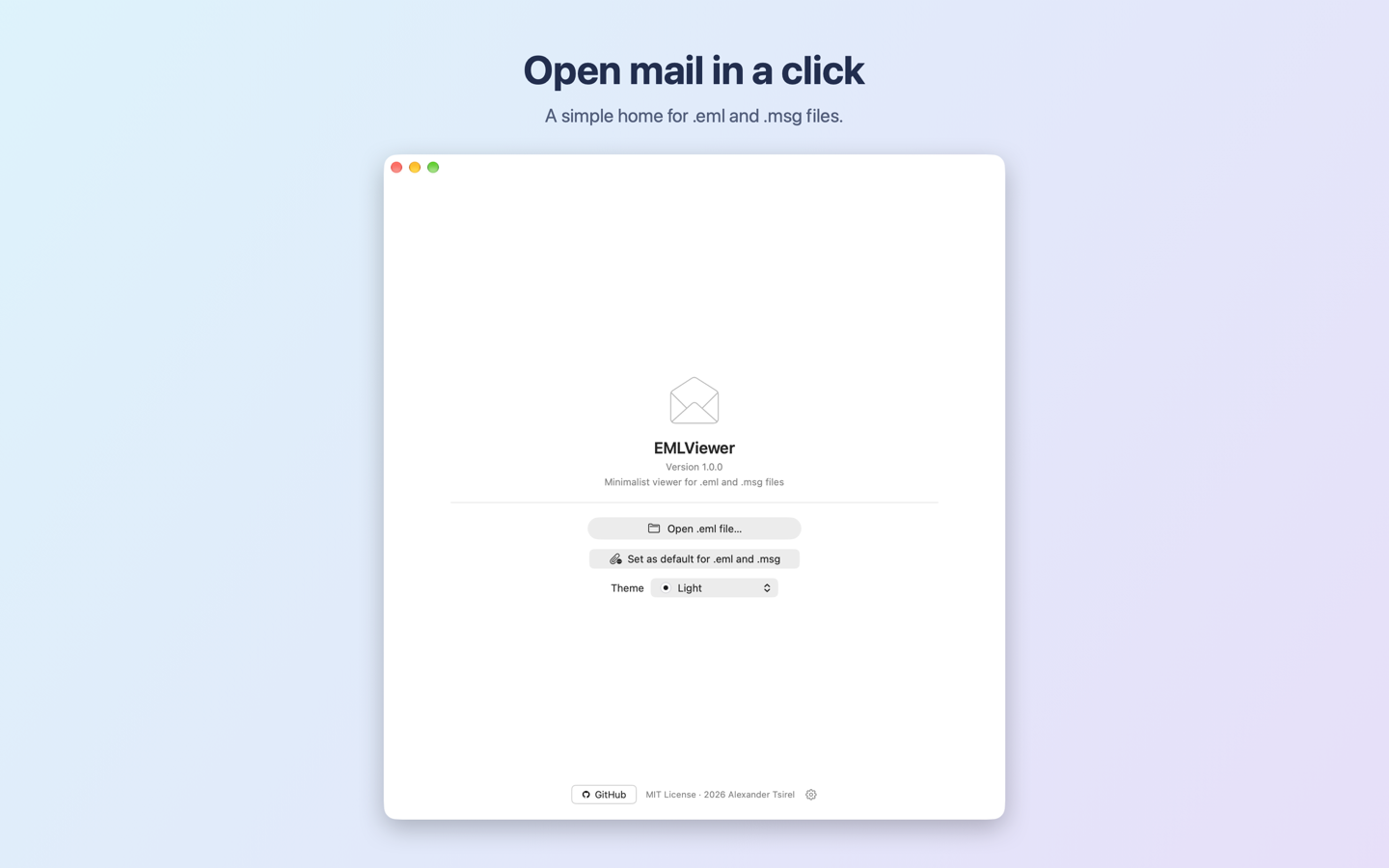
Open .eml and Outlook .msg files without Outlook.
 EML/MSG Viewer
Open email files on your Mac. Read your messages, see their details, and keep attachments close at hand.
Download on the Mac App Store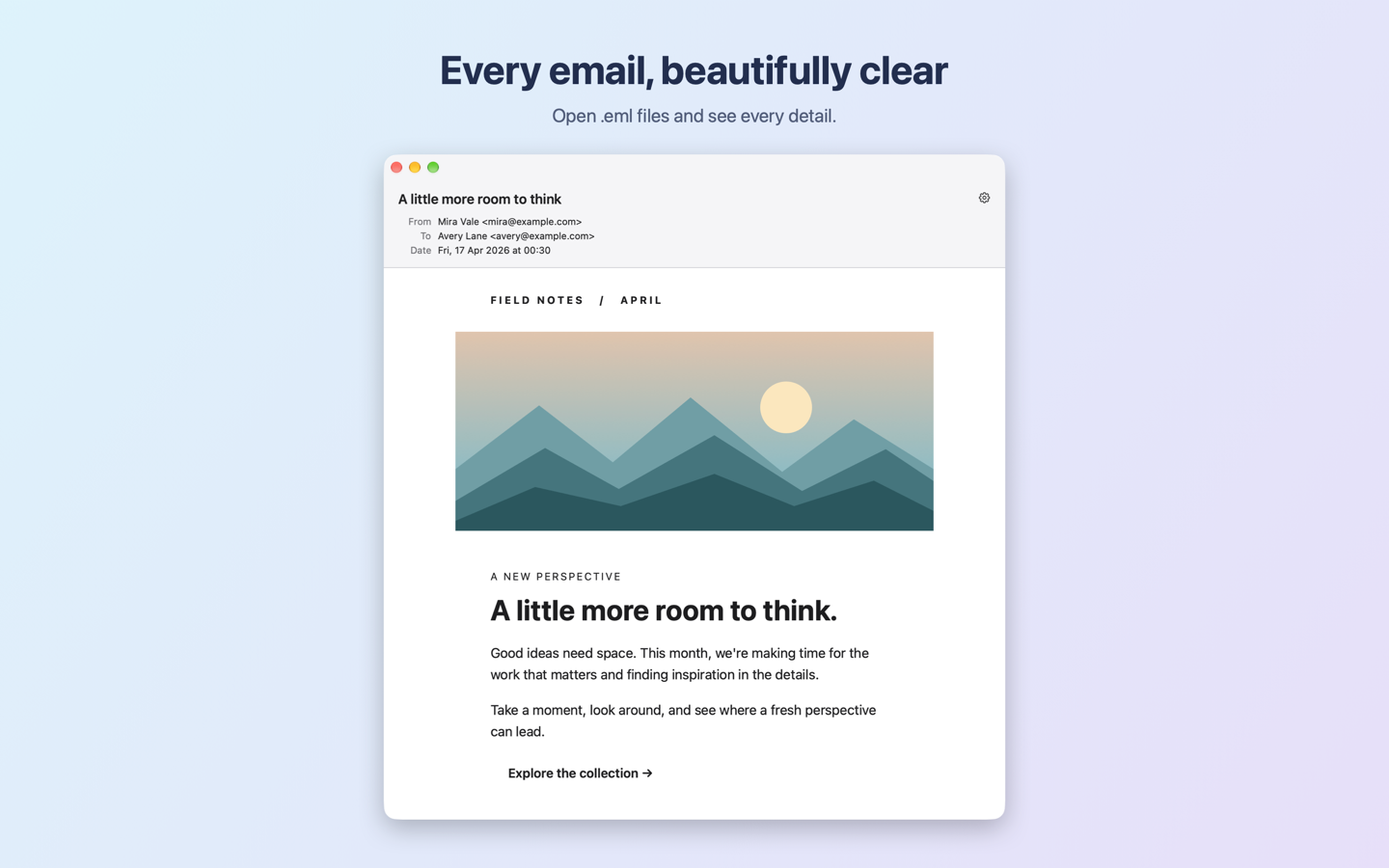
Everything you need to open a saved email and its attachments.
Open .eml and Outlook .msg files without Outlook.
Read HTML with inline images, or plain text when HTML is absent.
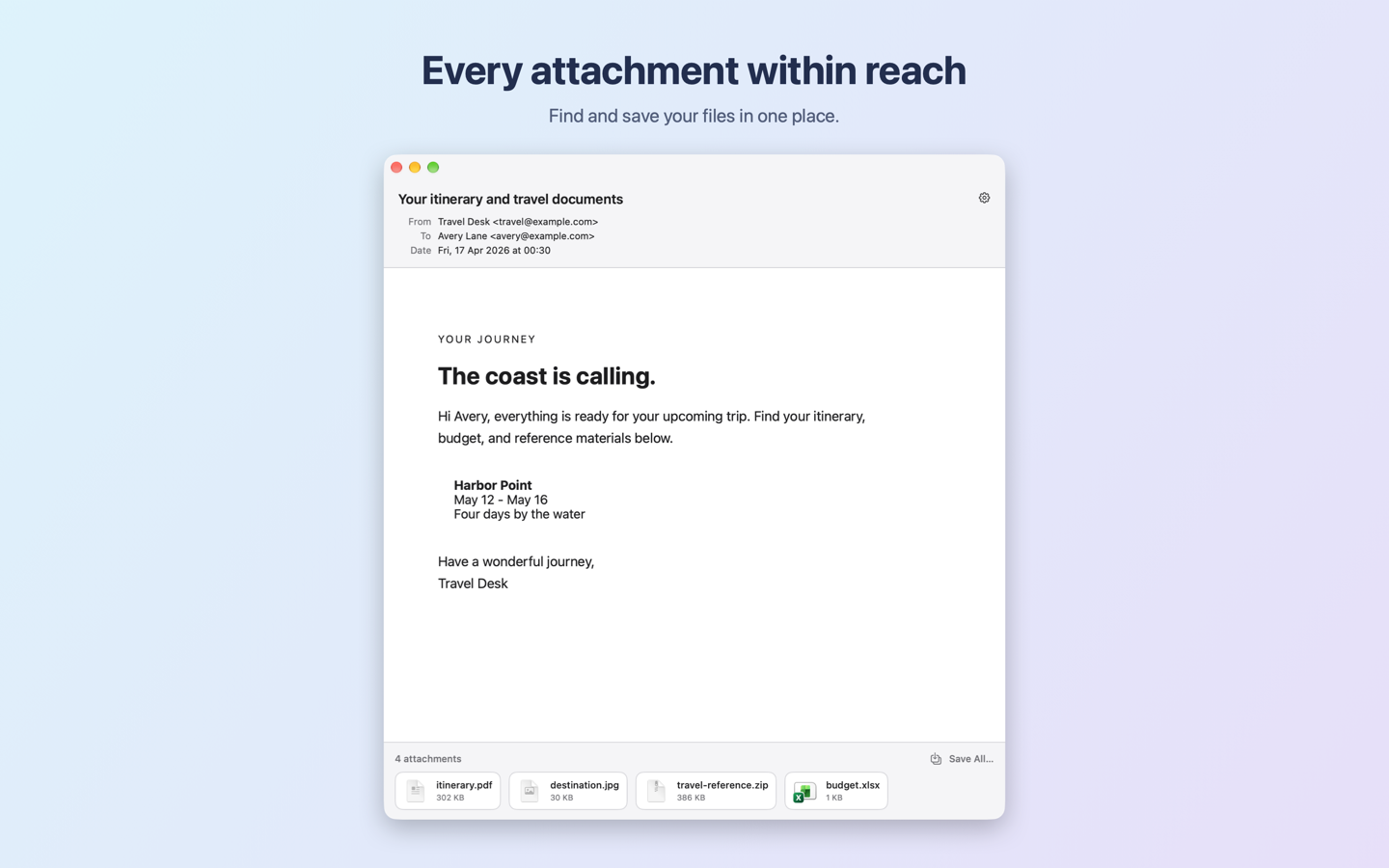
Open attachments in their default app or save them all to a folder.
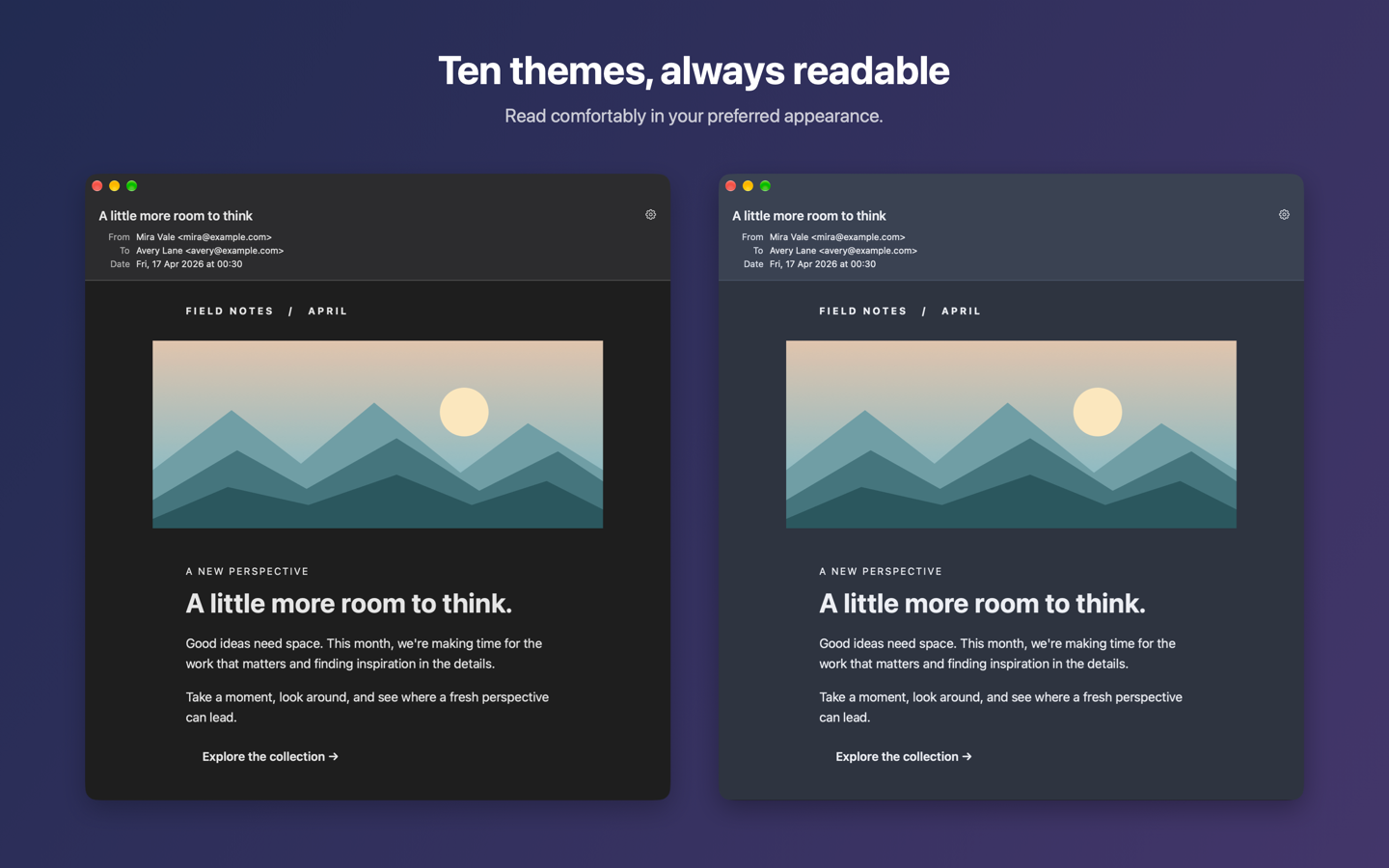
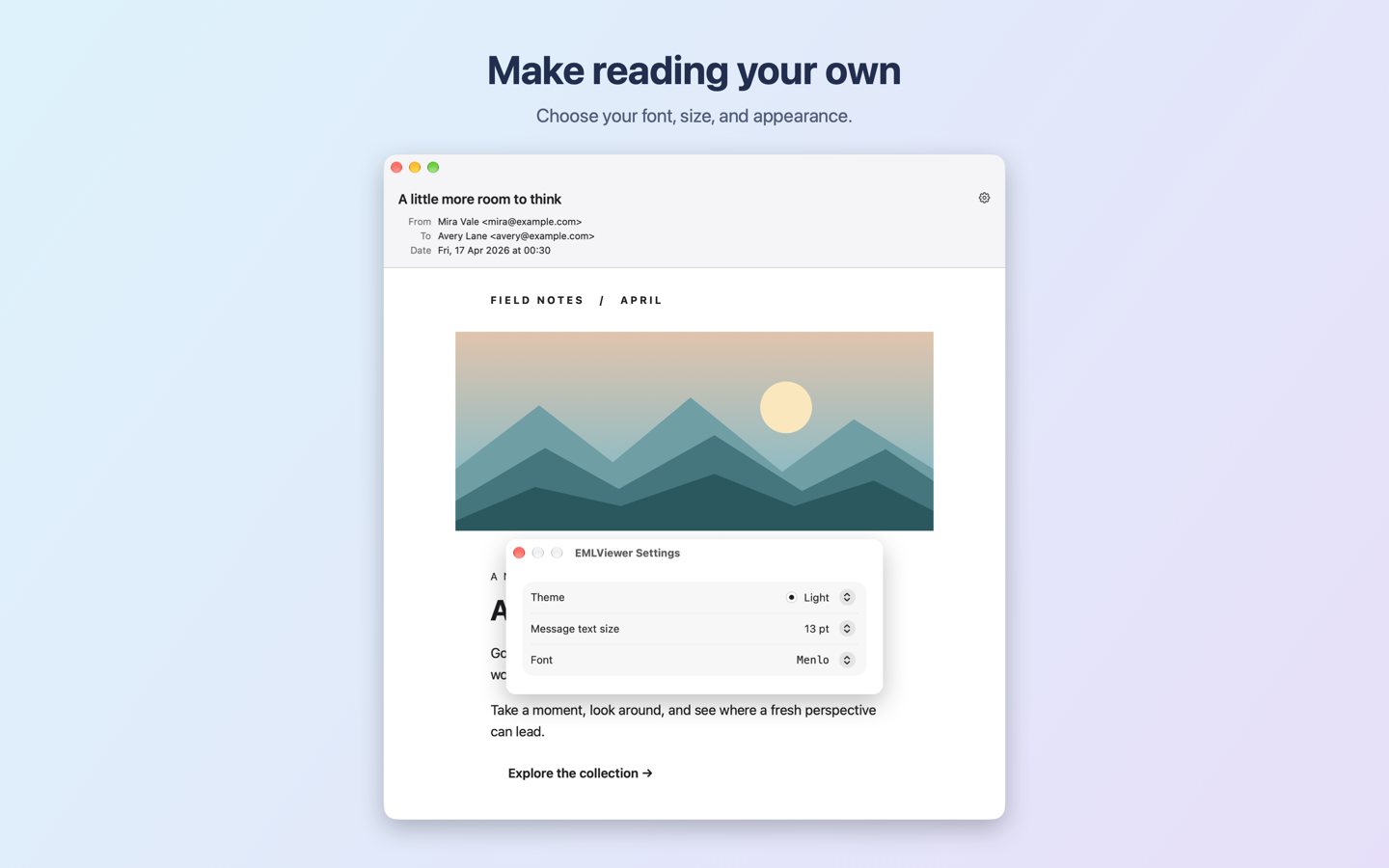
Choose a font, text size, and one of ten color themes - from Light and Dark to Solarized, Nord and Sepia.
Set the app as the default viewer and double-click a message to open it.
The sandboxed app needs no account and collects no data.
No account, analytics, or tracking. HTML messages may load remote images from their source servers.